Windows
Your systemWindows 10 or 11, 64-bit
Installing
Run the installer. If Windows says "Windows protected your PC", choose More info, then Run anyway. This happens because the app isn't code-signed yet.
Vespertale is a writing studio for novelists. Draft your scenes, plan the timeline and keep track of your characters. Then typeset the pages and design the cover, all in one app that keeps your book on your own computer.
Phone and tablet apps are in the works.
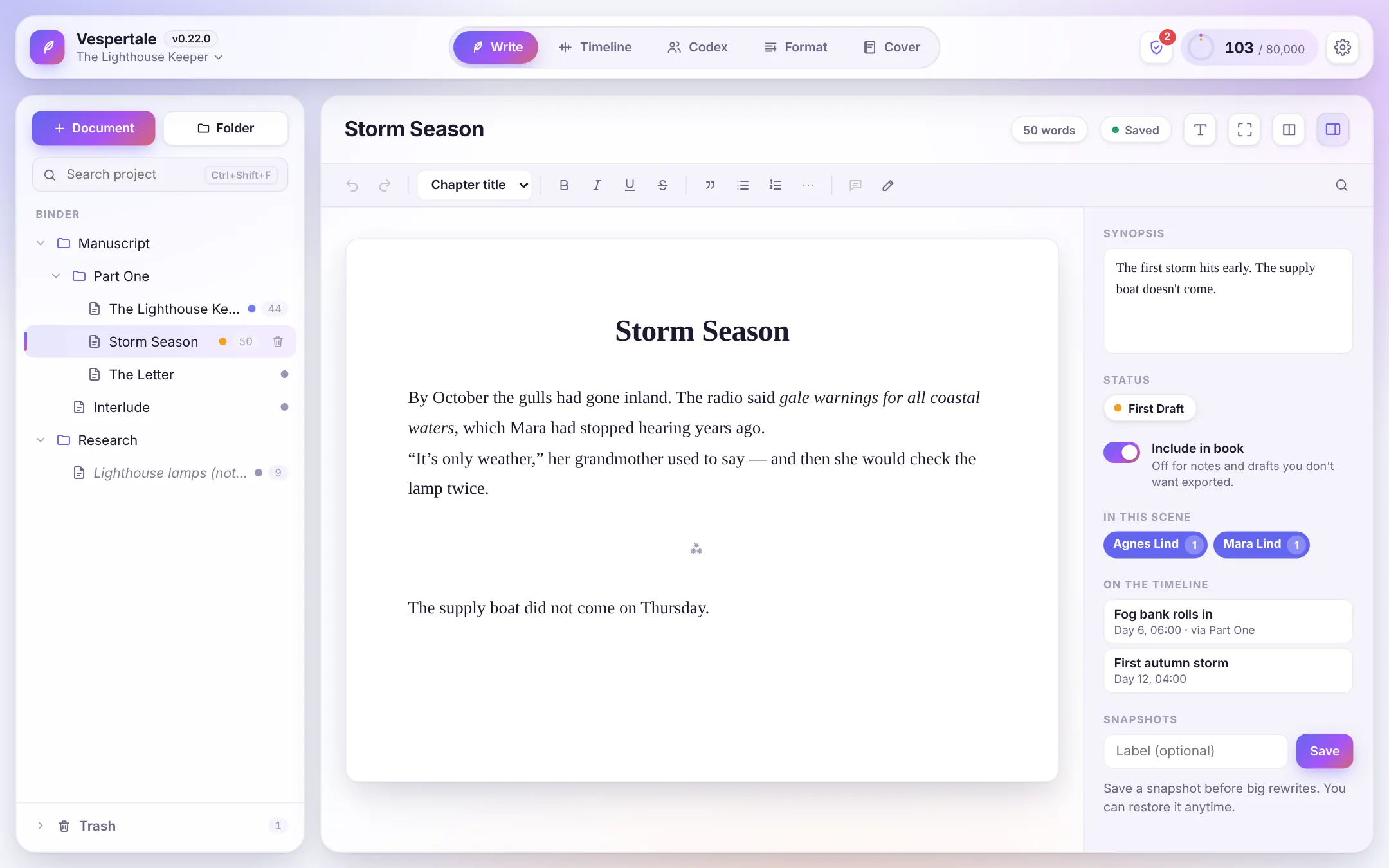
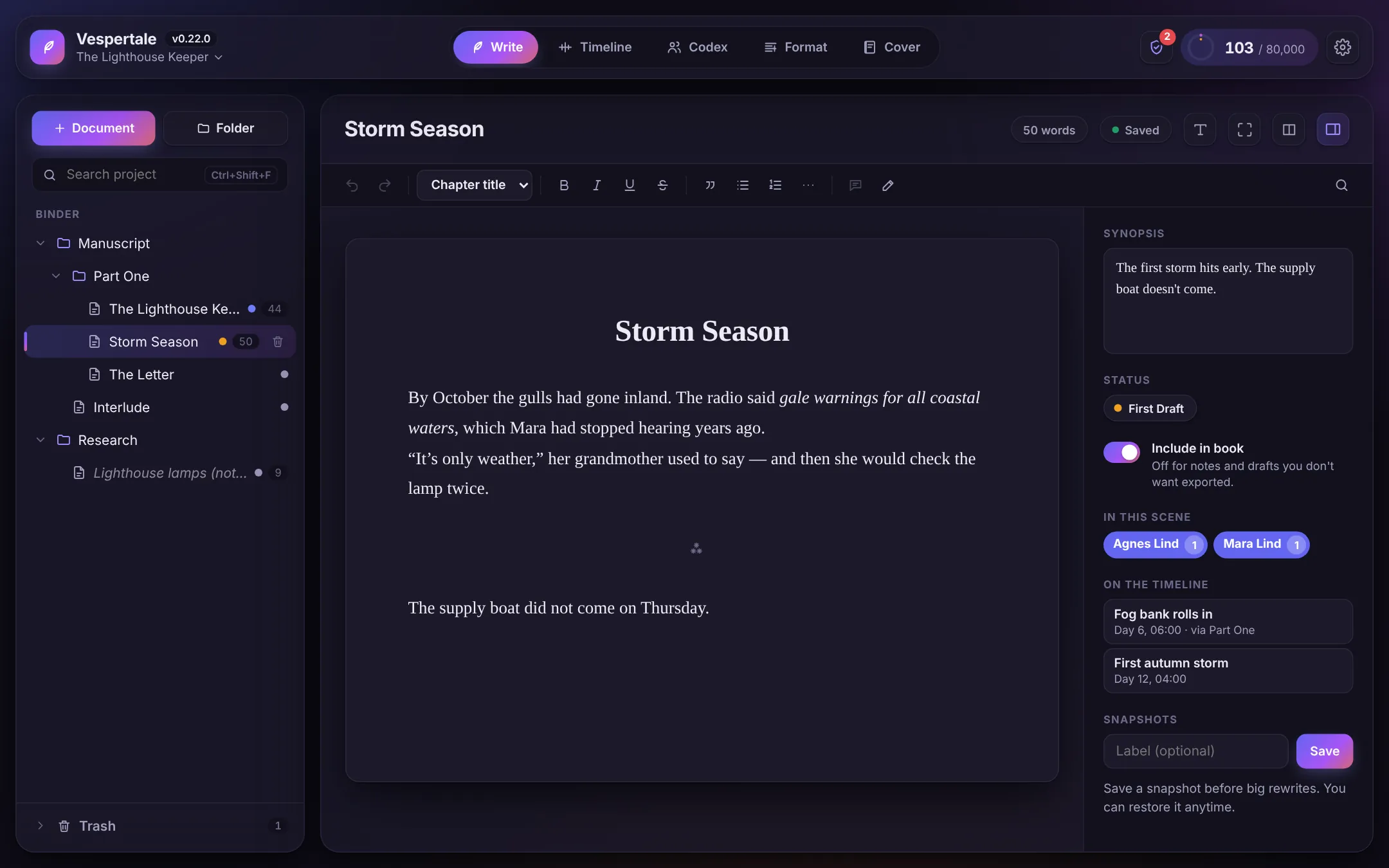
Each tab of Vespertale handles one stage of making a book. They all work from the same manuscript, so you never re-type or copy anything between them.
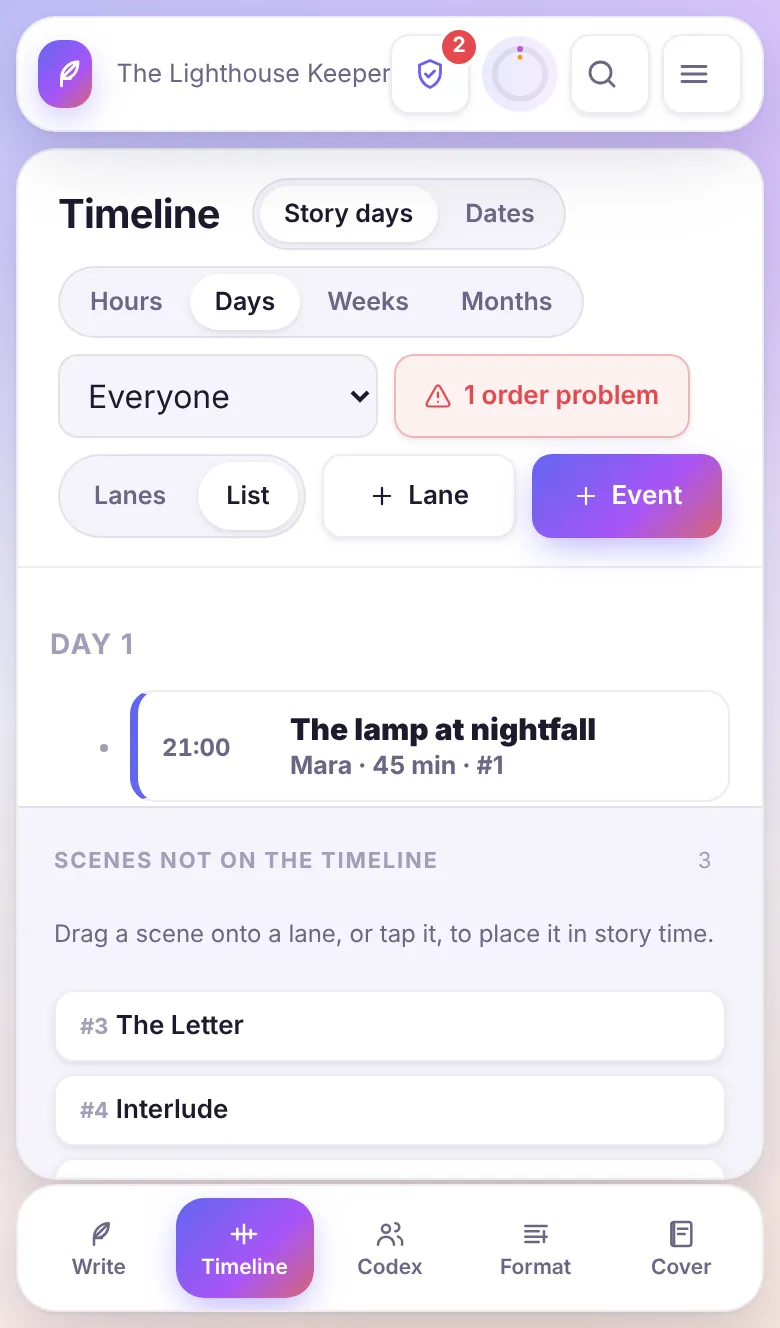
Flags things that need a second look: events out of order, characters in two places at once, scenes that never made it onto the timeline.
Group books into a series that shares one Codex. Line every book up on one timeline and see each character's arc across all of them.
Import from Word, Markdown, plain text, RTF or a Scrivener project. Chapters and scenes land in the binder, ready to work on.
One search covers scenes, synopses, Codex entries and timeline events. Use quotes for exact phrases and a minus sign to leave a word out. Ctrl Shift F
Type to run any action or jump to any scene, character or event without leaving the keyboard. Ctrl K or ⌘ K
Leave notes on any passage. Revision mode colours each round of edits, red, blue, green and on, the way editors mark up a draft.
Set book and session word goals. A ring in the top bar fills as you write, and the stats page tracks your daily words and streaks.
Hide everything but the page, with optional typewriter scrolling and dimming of the paragraphs you're not writing.
The app updates itself. Save a snapshot of a scene before a big rewrite and restore it with one click if you change your mind.
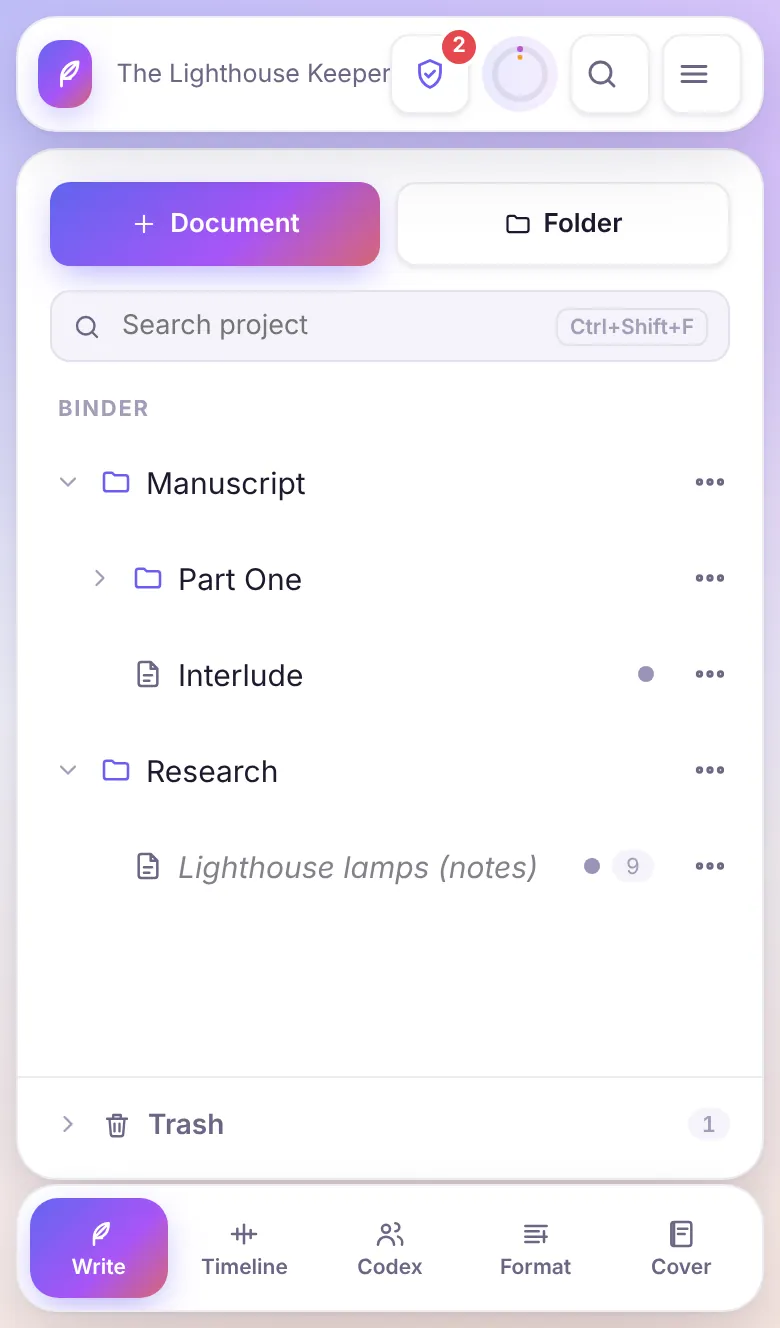
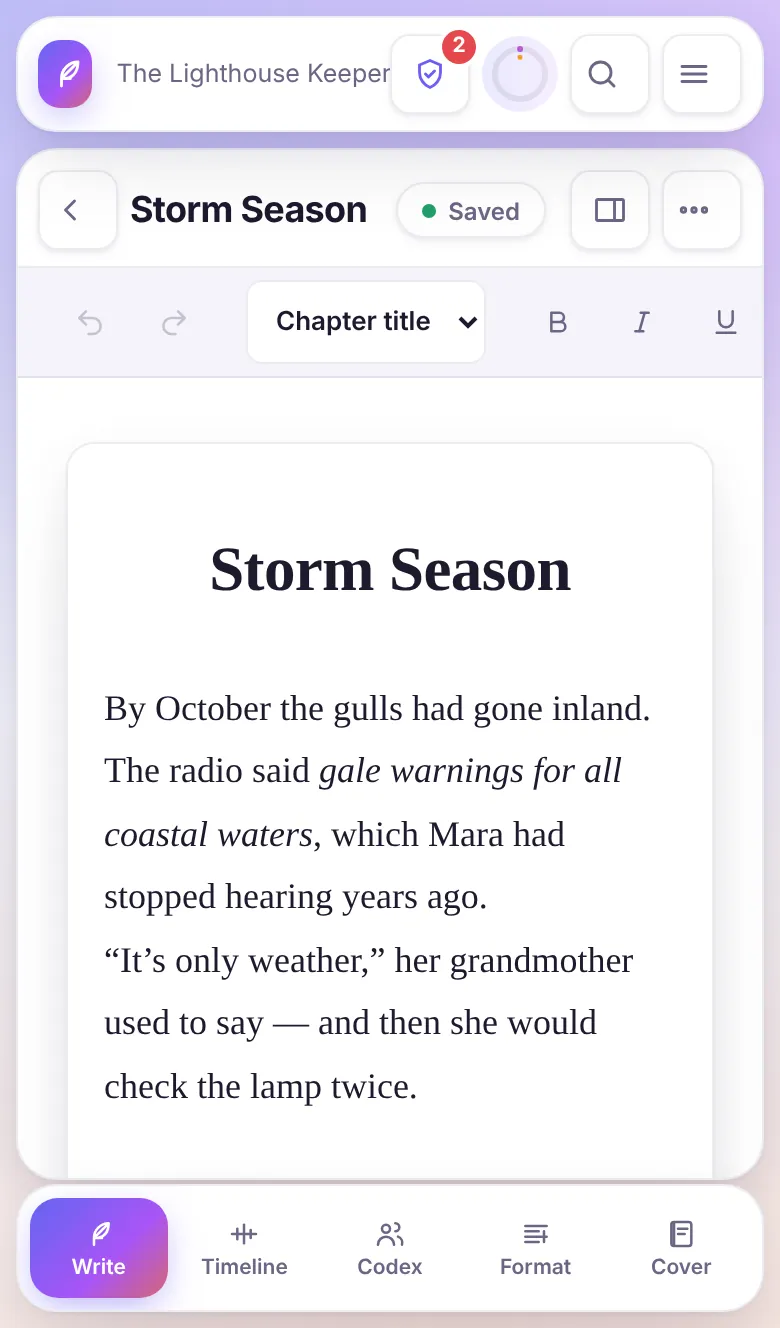
.vesper file in your Documents folder. You can copy it, back it up or move it like any other file.Phone apps are being built now but aren't finished yet, so they aren't available to download. Held upright, a phone gets a layout made for your thumbs. Turned sideways, or on a tablet, you get the full desktop layout.
Free for Windows, macOS and Linux. Once installed, Vespertale updates itself.
Windows 10 or 11, 64-bit
Run the installer. If Windows says "Windows protected your PC", choose More info, then Run anyway. This happens because the app isn't code-signed yet.
macOS 11 or later, Apple Silicon and Intel
Open the .dmg and drag Vespertale to Applications. The first time, right-click the app and choose Open, because it isn't notarized yet. If macOS says the app is damaged, run xattr -cr /Applications/Vespertale.app in Terminal.
64-bit, most current distributions
sudo apt install ./vespertale_*.deb, sudo dnf install ./vespertale-*.rpm, or for the AppImage: chmod +x Vespertale_*.AppImage and run it.
Download links are being set up. Check back soon.
Phones and tablets: the Android and iOS apps aren't ready to download yet. They'll appear here when they are.
Coming laterMenus on every binder row, a list view for the timeline, settings and preview one at a time in Format and Cover, and menus that slide up from the bottom.
Choose a synced folder and your books follow you. Vespertale backs up your copy before taking a newer one.
A command palette, comments and revision colours, a reference pane beside the editor, and writing streaks.